
Quickstart
You give Amio your website address. Amio reads your pages and products, trains a bot, and shows it to you so you can test it. Then you copy two code snippets onto your site.
Before you start
Section titled “Before you start”- The address of your public website, for example
https://myshop.com. - Someone who can edit your site’s HTML (or Google Tag Manager) for the last step. You can send them the snippet by email from the same screen.
- Open
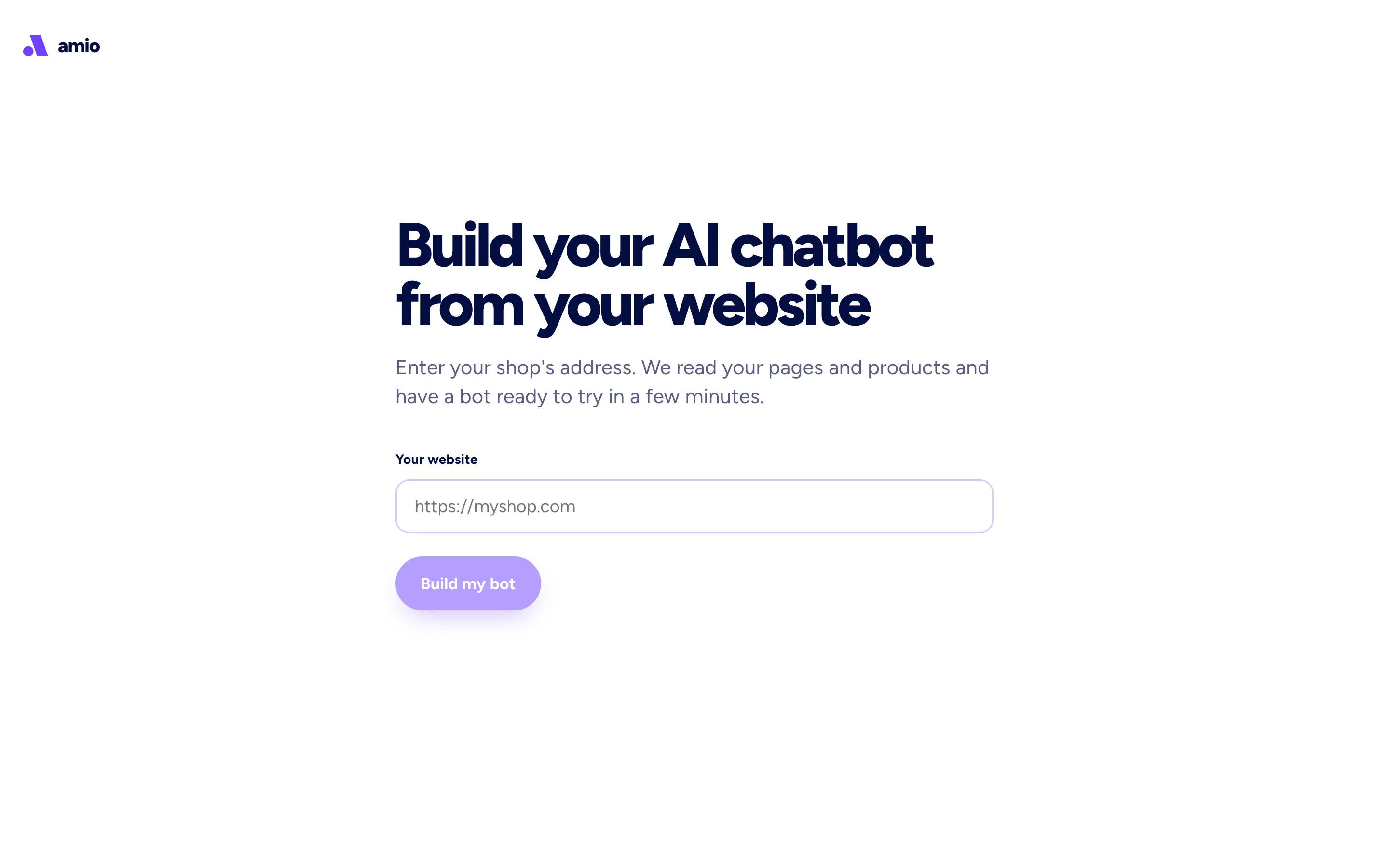
admin.amio.io/start. - Enter your website address and select Build my bot. If you leave out
https://, Amio adds it. - Sign up with your email when asked. After sign-up you land on the Building your bot screen.
- Wait while the screen works through Reading your website, Training your bot and Ready. You see a preview of the pages and products Amio found and a product count. Training can take a few minutes. If it takes longer, the screen says Still training, this can take a few minutes.
- When the screen says Try your bot, type a question a customer would ask. Suggested questions appear under the chat box.
- Select Put it on my website. The dialog Install the chat on your site shows two snippets: one for the
<head>and one for the<body>. Paste each before its closing tag on every page where the chat should appear. See Install the webchat for the full steps, including Google Tag Manager. - Select Customize to open your bot’s answers and edit what it says. See Answers.
If you already have an account, sign in and open admin.amio.io/start. Amio first asks Add this bot to your account, and the bot is only added after you confirm.
What the first bot knows
Section titled “What the first bot knows”- It answers from the pages of your website. If Amio finds a product list on the site, it also learns those products. The screen shows Found N products.
- If Amio sampled only part of a large catalogue, a note says so and links to Connect your product feed. Connect the feed to give the bot your full catalogue. See Knowledge bases.
- The bot answers customers with the AI agent. It does not know anything that is not on your site until you add it.