
Telegram
A chat bot can be deployed to a Telegram channel, so messages sent to your Telegram bot are answered by your Amio bot.
Prerequisites
Section titled “Prerequisites”-
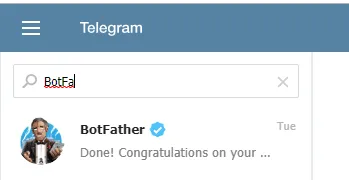
A Telegram bot created with BotFather in Telegram. You get a bot token from BotFather.
-
An Amio chat bot.
-
A Telegram channel set up for your organization by Amio.
Steps in the admin
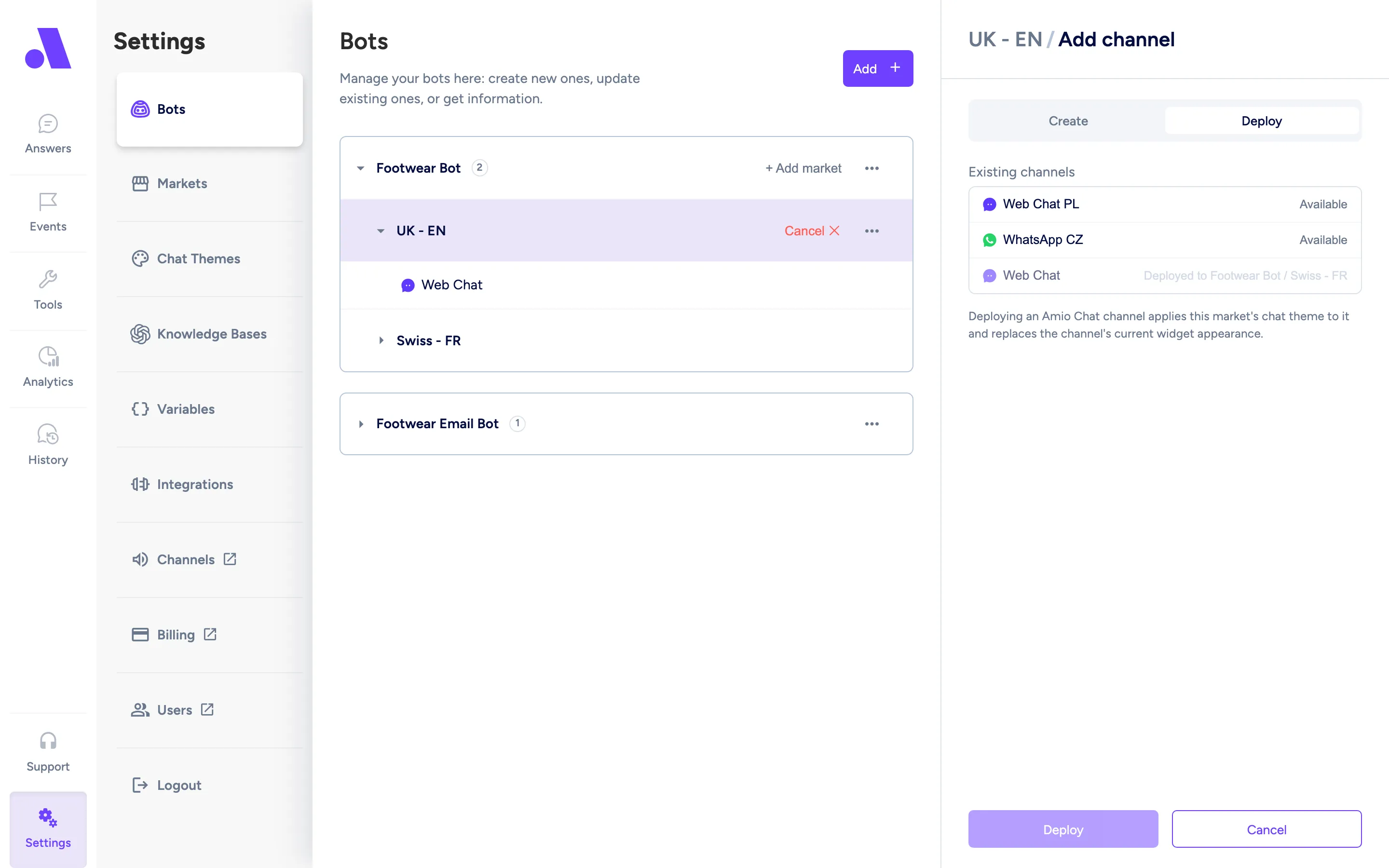
Section titled “Steps in the admin”- Open Bots and select your bot.
- Choose Add channel and open the Deploy tab.
- Select your Telegram channel.
- Select Deploy.
Let customers find your bot
Section titled “Let customers find your bot”Telegram bots can’t message people first, so customers must start the conversation. Share your bot’s link, https://t.me/<your bot username>, on your website, in emails and on printed material. A deep link such as https://t.me/<your bot username>?start=<value> opens the bot with a start parameter, for example to tell which page the customer came from. Customers can also search for the bot by name inside Telegram.
Configuration fields
Section titled “Configuration fields”| Field | Required | What it does |
|---|---|---|
| Channel | Yes | The existing Telegram channel to attach to this bot. One channel serves one bot. |