
Variables
Variables (Settings, /settings/variables) simplify the management of frequently used information, such as phone numbers and opening hours. All variables are shared between all your bots. For how to use them in content, see Variables.
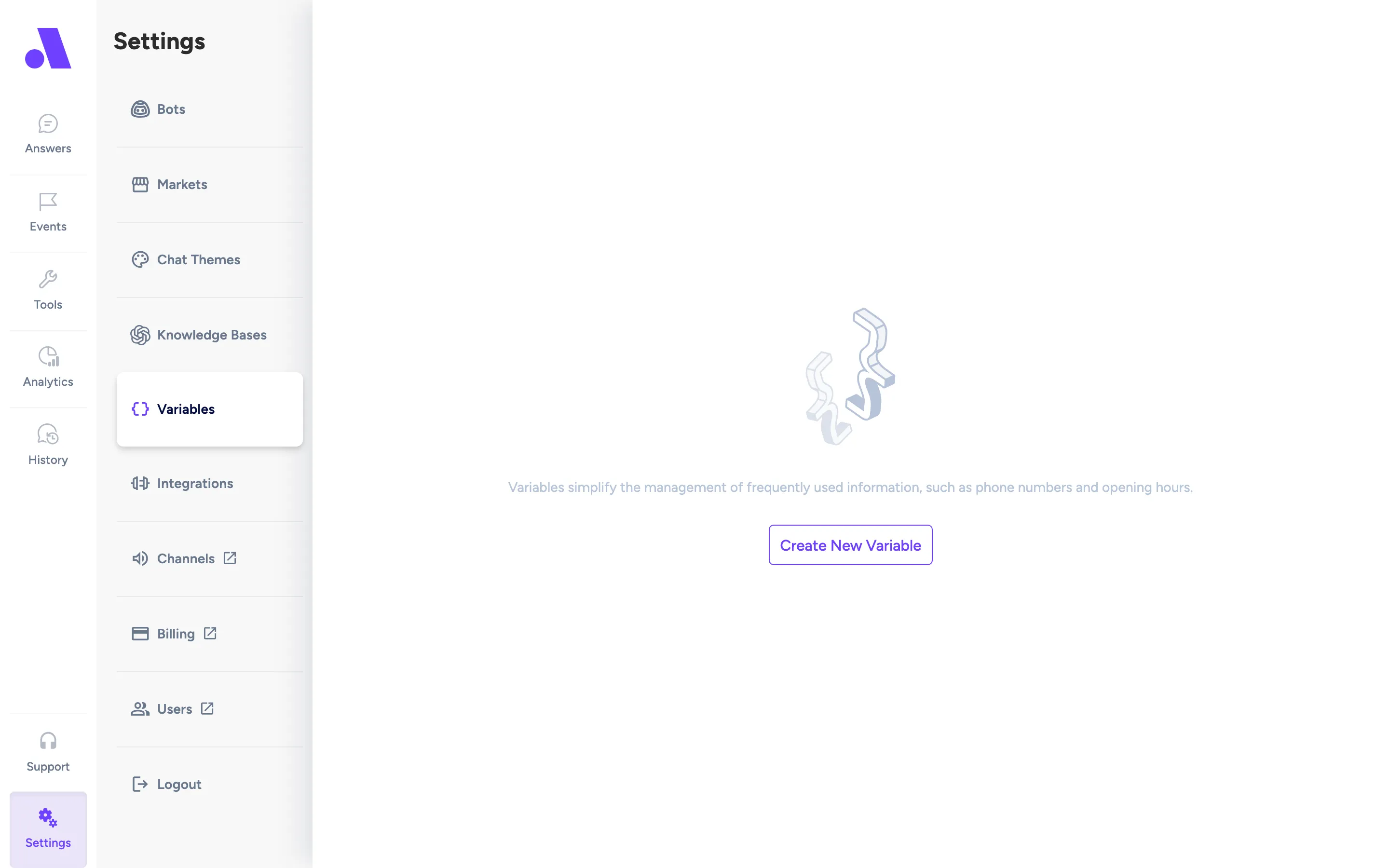
What you can do here
Section titled “What you can do here”- Add a variable with a scope, name and value.
- Edit a name or value in place.
- Copy a variable’s reference or value.
- See where a variable is used.
- Delete a variable.
Add a variable
Section titled “Add a variable”- Click Add (or Create New Variable if the list is empty).
- In the Scope column pick Global, Bot or Bot + Market. For Bot, choose a bot. For Bot + Market, choose a market grouped under its bot.
- Enter the variable name.
- Enter the value.
- Click the check mark to save, or the cross to cancel. Press Esc to cancel.
Edit a variable
Section titled “Edit a variable”Click a name or value to edit it. Click the check mark to save or the cross (or Esc) to cancel. Names and values cannot be empty.
Use a variable
Section titled “Use a variable”Hover over the name and click the copy button to copy the reference, which looks like ${variable.name}. Paste it into an answer, event or block. The value column has its own copy button.
See where a variable is used
Section titled “See where a variable is used”Click the eye icon (View Variable Usages). A side panel lists the answers, events and blocks that use it, each with a Show button. If none do, it says “This variable is not used in any event, answer or block.”
Delete a variable
Section titled “Delete a variable”Click the bin icon (Delete variable). A variable that is still in use cannot be deleted. The error opens the usages panel so you can see what to change first.
Fields
Section titled “Fields”| Field | What it does |
|---|---|
| Scope | Where the value applies. Global applies everywhere. Bot applies to one bot. Bot + Market applies to one market of a multi-market bot. The picker only lists multi-market bots for Bot + Market. Existing variables show a badge with the bot and market name, which links to that bot or market. |
| Variable | The name. Click the column header to sort. For Bot + Market, the name suggests existing global or bot names you can override, and also accepts a new name. Overriding variables cannot be renamed here: the tooltip says “Rename the group or global variable instead.” |
| Value | The text the bot inserts. |
| Search | Filters the table by name or value. |
When you save an answer, event or block that uses a variable defined only for some markets, a warning lists the markets that are missing a value. Those markets show an empty string until you give them a value or create a global or bot variable with the same name.